
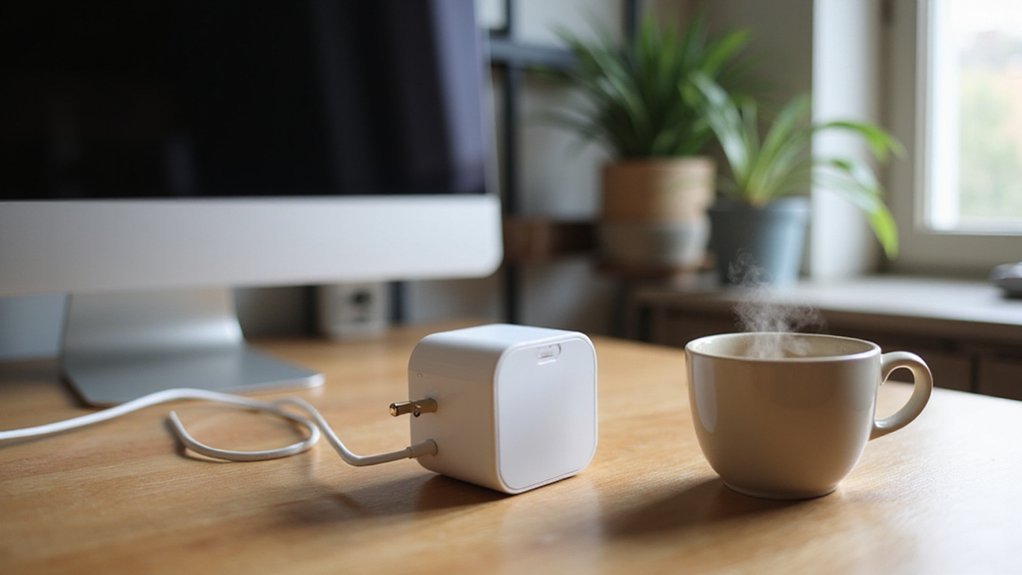
If you’re choosing between the Amazon Basics Smart Plug and the Amazon Smart Plug, cost is a big factor—one costs around $6.50 each in a 4-pack, while the other runs about three times more.
Both are simple to set up and handle basic voice control, but the Basics option saves you cash without sacrificing reliability. Keep reading to see the full comparison.
Why You’ll Pay 3x More for the Amazon Smart Plug
The Amazon Smart Plug costs about three times more than the Amazon Basics version mainly because of branding and packaging choices, not because of better performance or durability. The Amazon-labeled smart plug is considered a premium product, and its higher price reflects that branding strategy. In contrast, Amazon Basics offers multi-packs—like a 4-pack for $22.91—that drastically lower the per-unit cost. Both models generally have similar Wi‑Fi specs and do not require a hub, and customer reviews indicate they work equally well. Research shows no significant hardware advantage or increased longevity in the pricier version. Essentially, you’re paying more for the Amazon name and attractive packaging, not extra features or durability. The Amazon Basics version also supports scheduling of connected appliances through sunrise/sunset routines, adding functionality that matches the premium model. For example, just as you might adjust a ceiling fan direction for seasonal efficiency, the Amazon Basics plug can automate turn-on times using natural light patterns. When installing either plug near a light strip, it is important to follow cutting guidelines to avoid damaging the wiring. A key step for any outdoor smart plug setup is to ensure proper grounding before connecting to the power source.
Compatibility: Alexa Only vs. Multi-Platform
The Amazon Basics Smart Plug is limited to Alexa-only compatibility. This means you can control it only through Alexa-enabled devices like Echo or via the Alexa app. It does not support Google Assistant, Apple HomeKit, or other voice platforms. All management and automation are done within the Alexa app, which is compatible with iOS, Android, and Fire OS. However, there is no cross-platform functionality or integration with third-party hubs. If your smart home ecosystem is centered around Alexa and you don’t plan to expand to other assistants, this plug works well. But if you want the flexibility to choose or switch between different voice platforms later, this single-platform approach could be a significant limitation. Unlike the plug, the Amazon Basics Smart In-Wall Outlet offers integrated surge protection capabilities to safeguard connected devices. For a safe setup, always follow proper wiring steps to prevent electrical hazards. Understanding how COB LED strips work involves knowing they provide smooth, shadow-free light by densely packing multiple LED chips along a linear strip. A smart plug essentially turns any standard outlet into a remotely controlled device via your home Wi-Fi network.
Setup Time: Which Plug Gets You Online in 30 Seconds?
The Amazon Basics and Amazon Smart Plug can both be set up in less than five minutes via the Alexa app, with the Basics offering an even faster process. To start, plug the device into an outlet and open the app to locate it. The Amazon Basics model has a zero-touch edge: if you link it to your account during checkout, automatic discovery can sync it in just a few minutes, saving you extra steps.
Both plugs handle firmware updates automatically in the background, so you don’t need to worry about manual updates delaying your setup. After you assign a name to your plug, you can begin issuing voice commands through Alexa immediately. While neither plug guarantees a 30-second setup, the pre-linking feature of the Basics model makes onboarding quicker, making it the fastest option if you want to get online with minimal fuss.
The One Feature Both Amazon Plugs Skip (Energy Monitoring)
Both Amazon plugs prioritize quick setup and straightforward smart control, but they lack energy monitoring capabilities. Neither model provides power usage reports, real-time wattage readouts, or kilowatt-hour tracking. Without this data, you miss out on tools to identify which appliances consume the most electricity or to monitor standby power draw. Choosing a flush mount ceiling fan with a simple design can help maximize space in low-ceiling rooms, but for smart plugs the focus is different. Unlike a smart light switch, which must be wired directly into your home’s electrical system, a smart plug simply plugs into an existing outlet for instant installation. Competing smart plugs, like the TP-Link Kasa KP125M, offer detailed energy usage analytics, including daily averages and historical graphs. If reducing your electricity bill is a priority, you’ll want a plug that offers energy monitoring features beyond basic on-off control. Amazon’s options are designed mainly for convenience, not for helping you save energy through detailed insights. Most smart plugs that support energy tracking also show voltage, power, and total kilowatt-hours for calculating device costs. When installing these plugs, always follow safe wiring practices to ensure a clean and secure connection.
Amazon Basics Only Works on 2.4 GHz Wi-Fi: Here’s Why
The Amazon Basics smart plug only works on 2.4 GHz Wi-Fi because of its hardware design. The radio inside the plug is built specifically for that frequency, offering better range and wall penetration, which is ideal for low-power smart-home devices. Its firmware is limited to supporting only this band, explicitly excluding 5 GHz compatibility. This choice simplifies the internal electronics and avoids potential compatibility issues with more complex radios. However, it can cause setup problems if your router uses a single combined signal for both bands. During setup, your phone might connect to the 5 GHz network by default, preventing the plug from pairing correctly. To successfully connect, you may need to create a separate 2.4 GHz network or rename your existing one to ensure your phone connects to the right band during setup. This decision mirrors the design philosophy of many low profile recessed can lights, which prioritize simplified installation and reliable performance within a specific framework. This plug has a customer rating of 4.4 out of 5 stars based on over 8,000 reviews, indicating high user satisfaction. For buyers, understanding how smart plugs communicate with voice assistants like Alexa can clarify why this frequency limitation matters, as the plug’s simple radio design aligns with the low-bandwidth commands typical of smart-home setups.
15A Power Limits and the Bulky Design You Should Know
The bulk of a power strip or adapter can be a major consideration, especially if it measures 2.8 inches wide, 1.85 inches deep, and 4.57 inches tall. Such size often blocks adjacent outlets on a duplex wall plate, making it difficult to use nearby sockets. If your device has wide transformer bricks or side-facing plugs, this bulk can force you to lose access to neighboring outlets. Additionally, the large shape protrudes visibly, which can be problematic in tight spaces behind furniture or in crowded outlets. To ensure safe and functional placement, always measure your outlet spacing and verify your device’s actual amps before making a purchase. This power strip provides 790 Joules of surge protection to guard connected devices against voltage spikes. Reducing electrical load and avoiding excessive heat can significantly extend the lifespan of connected lighting. You might need a socket extender to avoid blocking outlets due to the bulky plug. For lighting fixtures, canned lighting often delivers a more seamless and less obtrusive design than recessed alternatives.
Best Buy for Alexa Homes: Per-Plug Price Breakdown
Buying in bundles offers the best value per plug for your Alexa setup. The Amazon Smart Plug is listed at Best Buy for $24.99 individually, which is more expensive on a per-unit basis. In contrast, a single Cync indoor plug costs only $14.99, offering a better price for a single device.
For multi-packs, the savings become even more significant. A 2-pack of TP-Link Tapo Matter plugs is priced at $23.99, lowering the cost to about $11.99 each. Moving up to a 3-pack, the price drops further to $29.99, or just $9.99 per plug. The best deal among these options is the Linkind 4-pack, which costs $35.99, bringing the price down to under $9 per plug. This makes it the most cost-effective choice for outfitting multiple rooms or whole home integrations. Instead of buying a single Amazon plug, opting for a multi-pack ensures greater savings and better value for your Alexa-connected smart home. Understanding how recessed can lighting works helps you evaluate similar fixture installation principles when choosing smart plugs for flush-mount setups. When selecting components for a smart home, it is also helpful to understand BR30 bulb dimensions to ensure lighting fixtures have adequate clearance for connected plugs. Following ceiling fan placement rules can also guide optimal positioning for smart plug accessibility in larger rooms.
Why the Amazon Basics 4-Pack Wins on Value Alone
The Amazon Basics 4-Pack offers the best value among similar smart plug sets. Priced at $25.99 for four outlets, that breaks down to about $6.50 per plug. This cost-effective approach means you can outfit multiple rooms without overspending, especially compared to competitors like TP-Link Kasa packs that often come at higher prices for fewer outlets. You get essential voice control and scheduling features without paying extra for bells and whistles. The plugs operate on 2.4 GHz Wi-Fi and don’t require a hub, simplifying setup and reducing additional costs. When connecting these plugs, you can use reliable small wire connectors for a secure and straightforward installation. Limited color options, mainly in white, help keep manufacturing simple and costs down, which benefits you with a lower price. Amazon’s brand reliability also guarantees compatibility and performance, minimizing installation hassle and technical issues. If you’re aiming to outfit your home with affordable, straightforward smart plugs, this set provides unmatched value. For those dealing with wobbling fixtures, a similar focus on simplicity and value can be found in top balance kits that correct vibration without unnecessary extras.
Pick the Right Plug for Your Smart Home
Choosing the right plug depends on your current and future smart home setup. If you stick with Alexa-only controls and don’t plan to expand or switch platforms, the Amazon Basics plug offers straightforward, reliable control with familiar Amazon support policies. However, if you anticipate needing more flexibility or want to integrate with other smart home platforms in the future, consider alternatives that support broader compatibility. Your choice here influences how easily you’ll upgrade, expand, or switch systems later on. For a more creative and hands-on smart home project, you could even repurpose old components into something like a DIY mini chandelier as a unique weekend build.